4.4.4. Plot of Distribution Functions
Like the other three Plot of Functions procedures, this procedure does not require selection of a data column. It is possible to display up to six Distribution Functions simultaneously. Density, cumulative density, survivor function, log-survivor function and hazard function curves can be drawn for 19 continuous and discrete distribution functions.
The Edit → Distributions dialogue is similar to that for the Histogram procedure (see 5.3.3.3. Fitting Distribution Functions). Here, an additional drop-down list, Function, allows you to plot one of density, cumulative, survival, log survival and hazard functions.
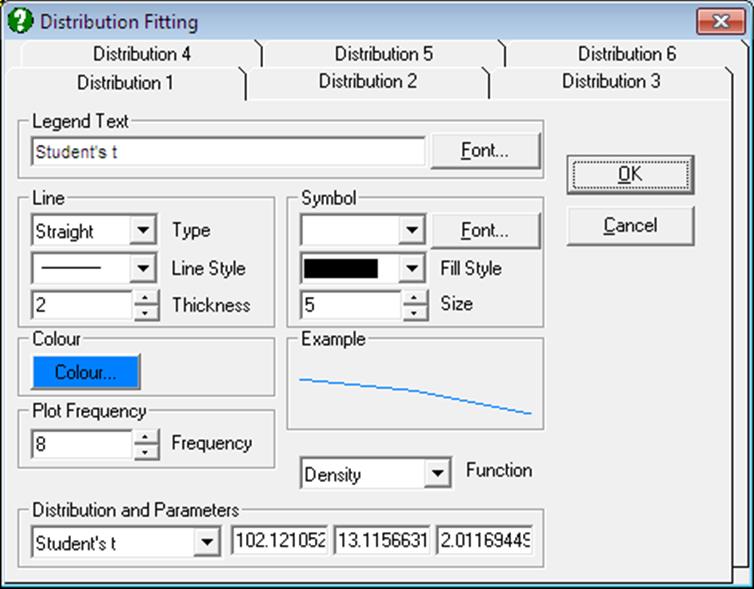
The Distribution Functions are selected in the same way as in the Histogram procedure. The only difference is that the values displayed in the distribution parameter fields are the ones either last entered by the user or the ones estimated by the program for a data column, that is, if either Expected Frequencies or Histogram procedures have been used previously. Therefore, if this procedure is entered before the latter two, all parameter fields will be -99. In this case, in order to plot a distribution function, you must enter the distribution parameters manually (see Appendix).
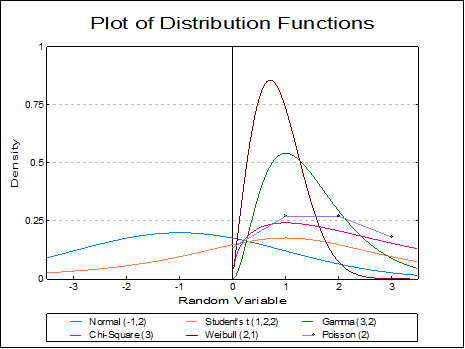
Density Function: The density functions of the selected distributions (see Appendix) will be plotted with the given parameters.
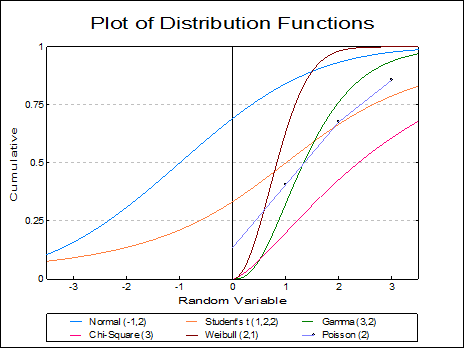
Cumulative Density Function: Area enclosed under the density function from negative infinity to the x values are plotted.
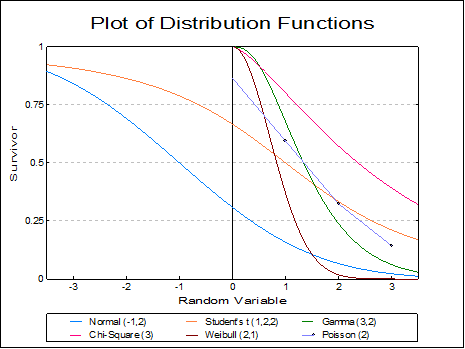
Survivor Function: The complement of the cumulative density function (i.e. 1 – cumulative df) is plotted.
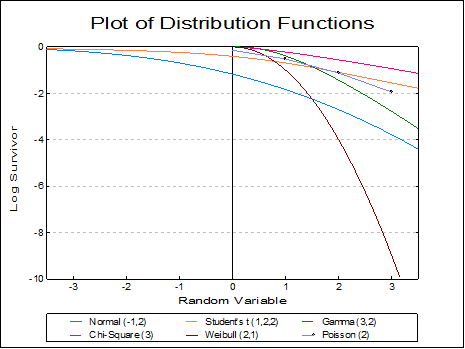
Log Survivor Function: The logarithm (to base e) of survivor functions are drawn.
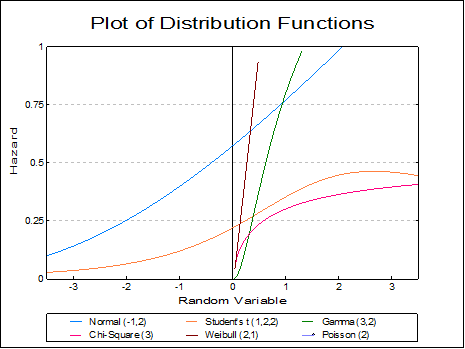
Hazard Function: Density functions divided by their survivor functions are drawn (available only for continuous distributions).