
5.2.1. Cumulative Probability
This is a single-entry probability calculator, which accepts one critical value input at a time. If you have a large number of critical values and their corresponding parameter values already entered into spreadsheet columns, then use the Probabilities and Critical Values procedure.
First select the distribution you want to use. Then the program prompts for a critical value and for the necessary distribution parameters (e.g. mean and standard deviation for normal distribution, or alpha and beta coefficients for gamma distribution). Output includes the given parameters, the estimated mean and variance (which are calculated from the given parameters), cumulative probability (p), and complementary probability (1 – p).
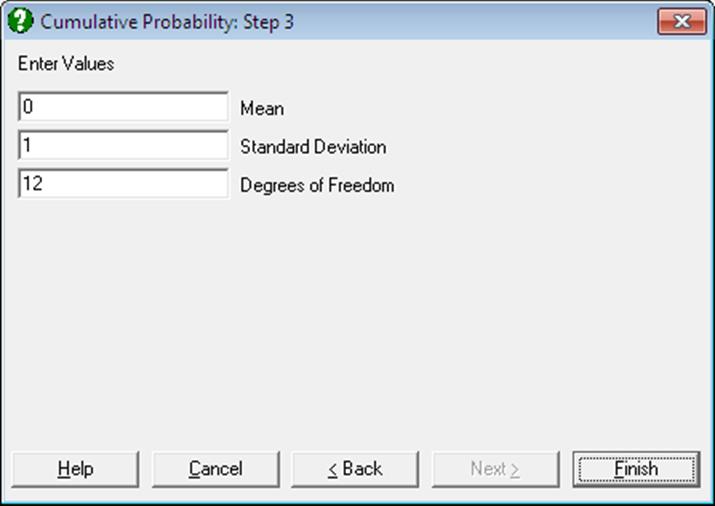
The program stores the parameters entered for each distribution function. These numbers are suggested for entry when the same distribution is subsequently called either for cumulative probabilities or for critical values.
Example
Select Statistics 1 → Distribution Functions → Cumulative Probability and from the list of distributions, Normal. At the next dialogue enter 1.96 for the critical value and enter 0 and 1 for the mean and standard deviation at the next:
Cumulative Probability
Normal Distribution
|
x Value = |
1.9600 |
|
Mean = |
0.0000 |
|
Standard Deviation = |
1.0000 |
|
Mean = |
0.0000 |
|
Variance = |
1.0000 |
|
Frequency = |
0.0584 |
|
Cumulative Probability = |
0.9750 |
|
Complementary Probability = |
0.0250 |