9.2.1. Brown’s Exponential
This simply calculates the exponential weighted average in time. For a data series xt forecasts are given by:
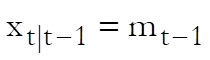
where:
·
 is the level at
time t.
is the level at
time t.
·
 is the level smoothing constant.
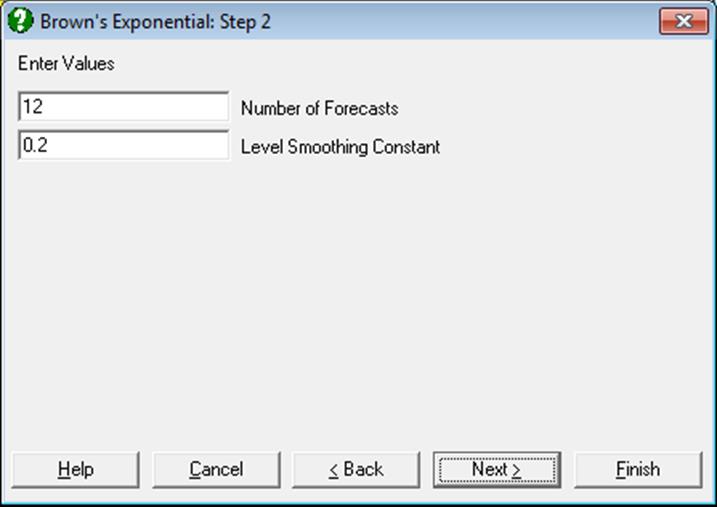
The initial value m0 is calculated as the average level in the first quarter of the series.
Example
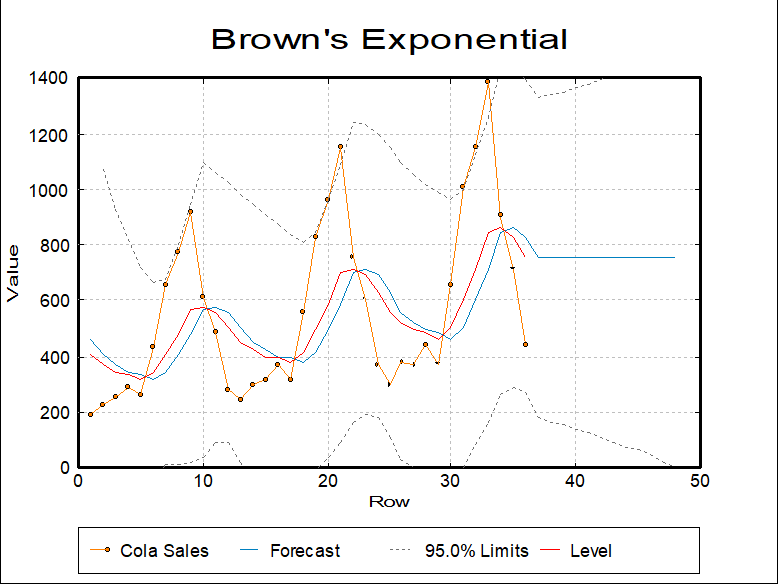
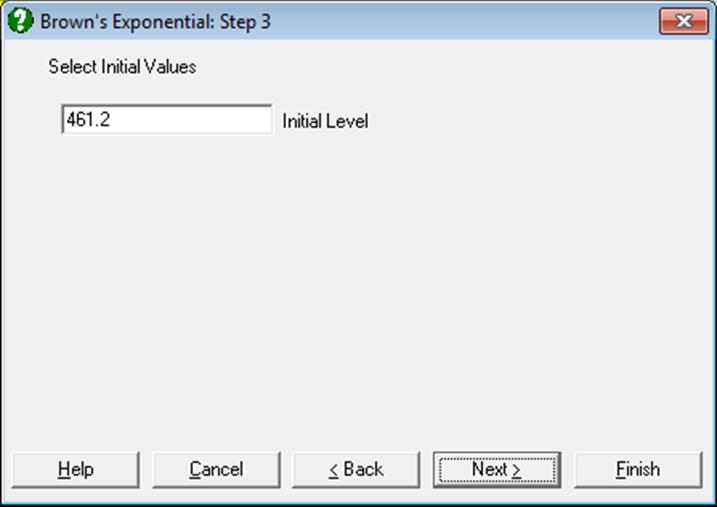
Open TIMESER and select Statistics 2 → Forecasting → Brown’s Exponential and select Cola Sales (C2) as [Variable]. On the following dialogues accept the program’s suggestions:
Brown’s Exponential
|
Level Smoothing Constant = |
0.2000 |
|
Sum of Squares = |
3029058.7929 |
Summary Table
|
Row |
Cola Sales |
Forecast |
Lower 95% |
Upper 95% |
Level |
|
1 |
189.0000 |
461.2000 |
* |
* |
406.7600 |
|
2 |
229.0000 |
406.7600 |
-260.1178 |
1073.6378 |
371.2080 |
|
3 |
249.0000 |
371.2080 |
-179.9829 |
922.3989 |
346.7664 |
|
… |
… |
… |
… |
… |
… |
|
34 |
904.0000 |
847.5220 |
265.3873 |
1429.6567 |
858.8176 |
|
35 |
715.0000 |
858.8176 |
289.7348 |
1427.9004 |
830.0541 |
|
36 |
441.0000 |
830.0541 |
267.1638 |
1392.9444 |
752.2433 |
|
37 |
|
752.2433 |
178.5120 |
1325.9746 |
|
|
38 |
|
752.2433 |
166.5580 |
1337.9286 |
|
|
39 |
|
752.2433 |
153.6842 |
1350.8023 |
|
|
… |
|
… |
… |
… |
|
|
46 |
|
752.2433 |
42.4548 |
1462.0317 |
|
|
47 |
|
752.2433 |
24.1409 |
1480.3456 |
|
|
48 |
|
752.2433 |
5.3481 |
1499.1385 |
|